
7 Reasons You Should Always Use a VPN on Public Wi‑Fi
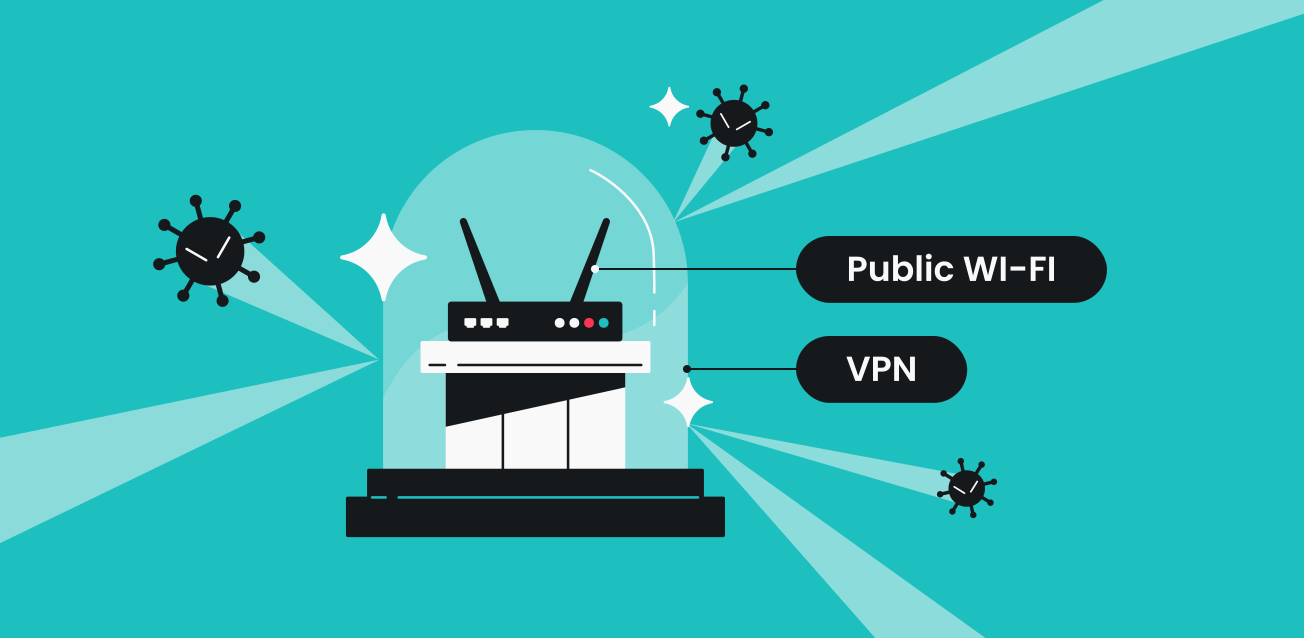
Public Wi‑Fi is basically “everyone share the same room and talk out loud.” Cute when you’re ordering tacos, terrifying when your phone is whispering login cookies and app traffic. Some networks are set up decently. A lot aren’t. And you don’t get a little warning label that says today’s airport Wi‑Fi is run by a sleep-deprived raccoon.
If the Wi‑Fi doesn’t encrypt your connection end-to-end (and plenty of it doesn’t, or you’re mixed into weird configs), people on the same network can sniff around. It’s not always movie-hacker stuff. It can be a bored person with a laptop and a free tool. You won’t even notice, you’ll just keep scrolling like nothing’s wrong . . .
How a VPN Encrypts Your Connection
A VPN wraps your traffic in encryption and shoves it through a tunnel to a VPN server. So the random dude on “CoffeeShop_Guest” can see you’re connected to something, but the contents become unreadable noise. That’s the win. Less gossip, less leakage, less “why is my phone suddenly acting haunted?”
2. Prevent Credential Theft and Account Takeovers
Risks of Logging Into Accounts on Open Networks
Logging into accounts on open Wi‑Fi is where people get wrecked. You check email. You pop into your bank “just to see.” You sign into a work portal because you’re being a hero in Terminal B. If someone grabs your credentials or session tokens, it’s not just an annoying password reset—sometimes it’s an account takeover spiral. Two hours later you’re fighting with support, sweating, feeling dumb.
Using a VPN to Safeguard Passwords and Sessions
A VPN makes it much harder for nearby snoops to steal the stuff that lets them impersonate you. Passwords, session cookies, auth tokens—those little invisible keys apps fling around. It’s not magic. If you type your login into a phishing site, that’s on you. But against the “I’m on the same Wi‑Fi and I’m watching” crowd, the tunnel helps. A lot.
3. Block Man‑in‑the‑Middle (MitM) Attacks
How Attackers Intercept and Alter Your Data
MitM attacks are nasty because they’re sneaky. Someone wedges themselves between you and the internet, then they read traffic, downgrade connections, inject junk, redirect you… the whole gross buffet. Sometimes it’s silent. Sometimes you get weird cert warnings and you ignore them because you’re tired and just want Spotify. Been there. Bad call.
How VPN Tunnels Reduce MitM Vulnerabilities
A VPN tunnel gives attackers less surface area to mess with. The traffic inside is encrypted; the path is more rigid; the easy “I’ll just tamper with this request” games get harder. They can still try to mess with DNS or push you to fake portals, sure, but the classic “intercept and rewrite” routine loses a lot of oxygen.
4. Avoid Malicious Hotspots and Fake Wi‑Fi Networks
Dangers of Rogue Access Points Posing as Legitimate Wi‑Fi
Fake hotspots are the oldest trick. “Airport_Free_WiFi” and “Airport_Free_WiFi_5G” sitting side by side like identical twins. One is real, one is a trap, and your phone is all too eager to auto-join because it wants love. Once you connect, the hotspot owner can surveil, redirect, harvest—pick your poison.
How VPNs Limit Damage Even on Compromised Networks
A VPN can’t stop you from joining a rogue hotspot. It can’t slap your hand. But it can shrink the blast radius once you’re on it. Your data is wrapped. Your sessions are less snackable. The hotspot can still see you exist, and that you’re using a VPN (so what), but it can’t casually read your traffic like a cheap tabloid.
5. Hide Your Browsing Activity from Network Owners
How ISPs, Cafés, and Airports Track Your Usage
Network owners can log a ton. Cafés, hotels, airports, your ISP at home—anyone running the pipe can record where you go, when, how much, and sometimes more than you’d assume. Even when sites use HTTPS, metadata still leaks: domains, timing, patterns. It’s like someone can’t hear your conversation, but they can watch who you keep meeting up with.
How VPNs Obscure Your Online Activity and Metadata
When you use a VPN, the network you’re on mostly sees one relationship: you ↔ VPN server. They lose the neat list of sites. They get less to monetize, less to judge, less to hand over casually. I think people underrate this because it’s not dramatic, it’s just… privacy. Basic dignity, maybe.
6. Bypass Local Restrictions and Captive Portals
Limits Imposed by Public Wi‑Fi Providers
Public Wi‑Fi loves rules. Blocked services. Weird throttling. “No streaming.” “No VPN.” “Why are video calls crunchy?” Some places break apps by accident, some do it on purpose, and some just have duct-tape networking held together by hope and a dusty router.
How VPNs Help Maintain Unrestricted, Consistent Access
A VPN can punch through a lot of local filtering because the Wi‑Fi sees traffic heading to the VPN, not the final destination. It can also make performance steadier when a network is doing clumsy shaping. Captive portals are their own beast—you usually have to sign in first, then start the VPN. If the Wi‑Fi tries to block VPNs outright, you might need a different protocol or a provider that supports obfuscation. Sometimes you just shrug and use your hotspot. Life’s short.
7. Protect Sensitive Work and Remote Access
Risks to Corporate Data on Public Networks
Work stuff on public Wi‑Fi? That’s where consequences live. Client data, internal docs, admin panels, Slack sessions, that one dashboard that can delete everything with two clicks. If your traffic gets intercepted or your account gets hijacked, it’s not only your mess anymore. It’s HR. It’s legal. It’s “why are we on a call at 9pm.”
Using a VPN for Secure Remote Work and Resource Access
A VPN is the boring guardrail that keeps remote work from turning into a security incident. It encrypts traffic, reduces MitM risk, and (when it’s a company VPN) can enforce access rules so internal resources aren’t just floating on the open internet. Use it even when you’re “just checking one thing.” That’s the moment people get popped. And yeah, sometimes the VPN is slow and annoying and drops at the worst time—still worth it.